ProLUG Admin Course Unit 9 🐧
Containers & Kubernetes 🦭
One of the most exciting units for me has been exploring deployment and hosting infrastructure. I’ve already spent some time working with Docker and Podman, but I have had limited hands-on experience with Kubernetes. Before this unit, I completed a few interactive Kubernetes labs on Killercoda, covering basic commands, information gathering, and logging.
This week, I followed an interactive K3s lab that guided me through the installation process—a perfect refresher. Afterward, I jumped onto one of my Proxmox VMs and installed K3s on my homeLab 👨🔧
Discussion Post 1
It’s a slow day in the NOC and you have heard that a new system of container deployments are being used by your developers. Do some reading about containers, docker, and podman.
1. What resources helped me answer these questions
- https://www.redhat.com/en/topics/containers
- My RHCSA 9 Course on Udemy
- Notes I have composed in LogSeq from multiple sources
- Julia Evans Blog https://jvns.ca/
2. What did you learn about that you didn’t know before?
- I did not know that Podman and Kubernetes can run WASM Applications alongside containers. I have some interest in WASM and Subsequent ByteCode, having read about it on occasion.
- I did not know that Podman containers can be converted to SystemD services.
- I learned a technique that I quite like using podman commit to create a custom compose file from a modified container and will likely use this alot.
Terminology that I wasn’t familiar with:
- Control Plane: Manages container orchestration, monitoring, and state across cluster nodes.
- The API server: Core interface for communication between users and container clusters.
- Scheduler: Assigns containers to nodes based on resource availability and policies.
3. What seems to be the major benefit of containers?
- Can be declarative with compose. So infrastructure can be explicitly defined and easily rebuilt.
- Light weight / low resource. Containers are not complete systems and are stripped to the bare essentials, meaning they are very small files that run fast.
4. What seems to be some obstacles to container deployment?
- From my own experience, mounting persistent volumes was a bit tricky.
- Container networking presents a challenge bot conceptually and practically.
- Packaging application to run harmoniously within a container environment presents some friction.
- Large infrastructure must be broken into microservices, introducing complexity.
Discussion Post 2
You get your first ticket about a problem with containers. One of the engineers is trying to move his container up to the Dev environment shared server. He sends you over this information about the command he’s trying to run.
[developer1@devserver read]$ podman ps
CONTAINER ID  IMAGE       COMMAND     CREATED     STATUS      PORTS       NAMES

[developer1@devserver read]$ podman images

REPOSITORY                TAG                IMAGE ID      CREATED      SIZE
localhost/read_docker     latest             2c0728a1f483  5 days ago   68.2 MB
docker.io/library/python  3.13.0-alpine3.19  9edd75ff93ac  3 weeks ago  47.5 MB
[developer1@devserver read]$ podman run -dt -p 8080:80/tcp docker.io/library/httpd
You decide to check out the server
[developer1@devserver read] ss -ntulp
Netid   State    Recv-Q   Send-Q      Local Address:Port        Peer Address:Port         Process
udp     UNCONN   0        0           127.0.0.53%lo:53               0.0.0.0:*             users:(("systemd-resolve",pid=166693,fd=13))
tcp     LISTEN   0        80              127.0.0.1:3306             0.0.0.0:*             users:(("mariadbd",pid=234918,fd=20))
tcp     LISTEN   0        128               0.0.0.0:22               0.0.0.0:*             users:(("sshd",pid=166657,fd=3))
tcp     LISTEN   0        4096        127.0.0.53%lo:53               0.0.0.0:*             users:(("systemd-resolve",pid=166693,fd=14))
tcp     LISTEN   0        4096                    *:8080                   *:*             users:(("node_exporter",pid=662,fd=3))
1. What do you think the problem might be? 🔍
There is a container call node exporter that is listening on port 8080, therefore the port is already in use. I think this is a pretty common issue as this port is normally used for public traffic. With many nodes running it is easy to double assign a port.
2. How will you test this? 🤔
I would run the conflicting container run command with a slight port change. podman run -dt -p 8081:80/tcp docker.io/library/httpd
3. The developer tells you that he’s pulling a local image, do you find this to be true, or is something else happening in their run command?
It is true that once and image is pulled, it is stored locally. So the developer may have pulled the image. However in the command he is specifying a source for pulling a fresh container, so the dev is definitely sus. Typically if the image has been pulled it is given a container ID, which is then used to build with.
Installing K3s in my HomeLab 👍
After completing the suggested lab, I took note of installation process and replicated it on my HomeLab. I just wanted to share my process and bumps.
1. Installation from curl script
curl -sfL https://get.k3s.io | sh -
2. Making sure the service is running in systemD
systemctl status k3s
3. Changing config permissions (Problem that had stumped me)
sudo chmod 644 /etc/rancher/k3s/k3s.yaml
4. Deploying a pod
kubectl run nginx –image=nginx:alpine
5. Making an alias so commands are less annoying
alias k=kubectl
6. Checking the running pod
k get pods
Digging Deeper ⛏️
1. See if you can get a deployment working in the lab.
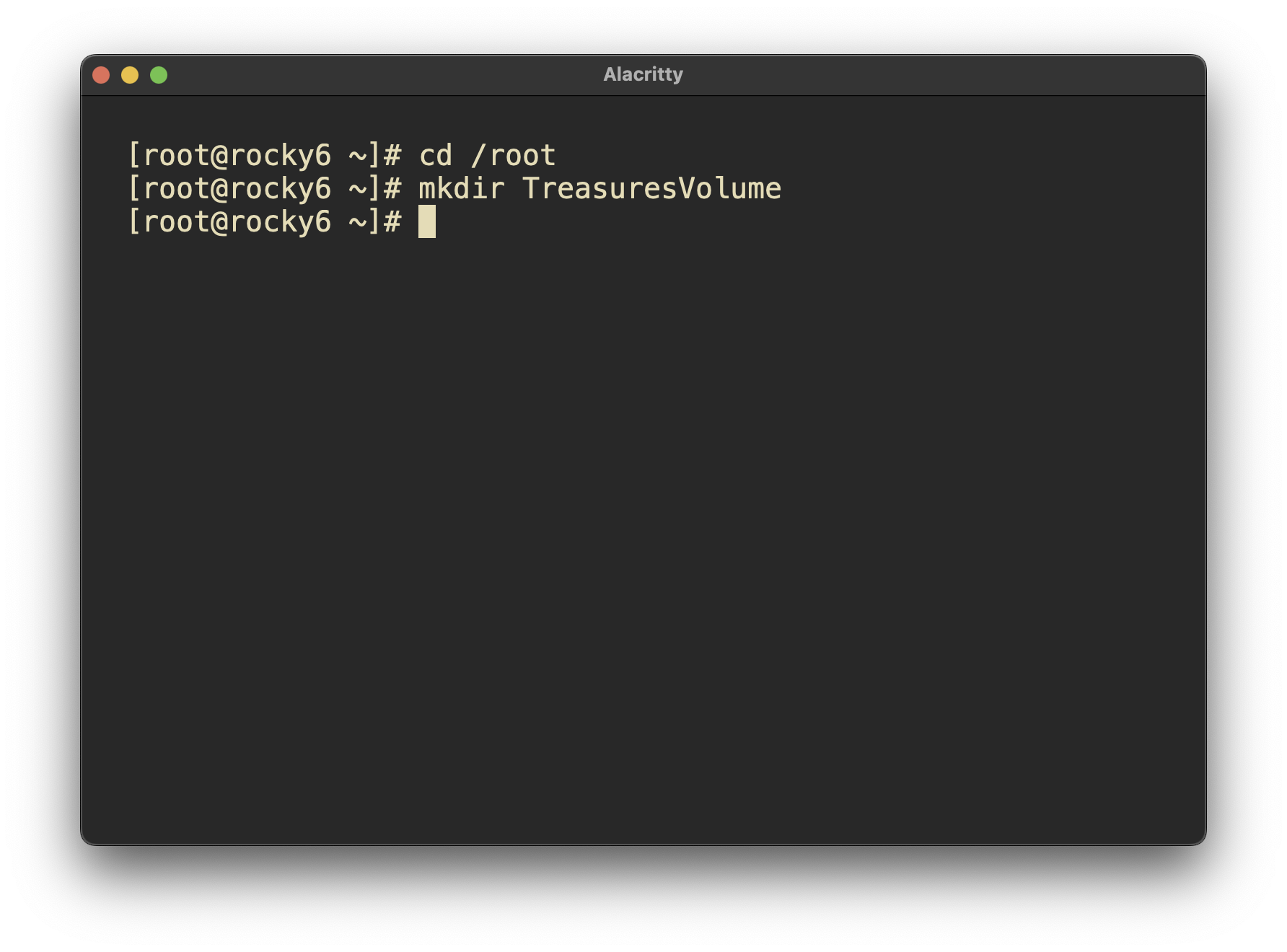
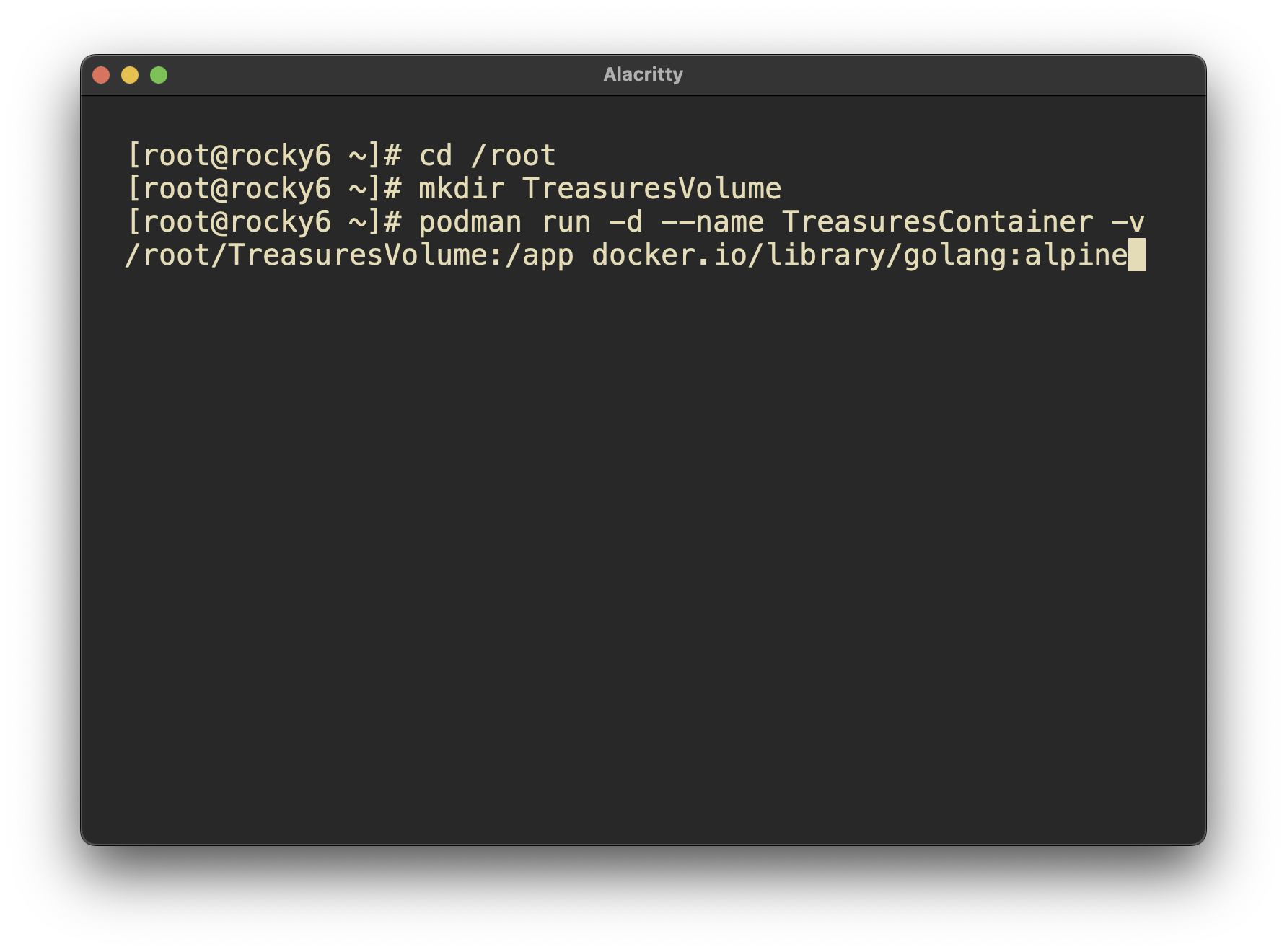
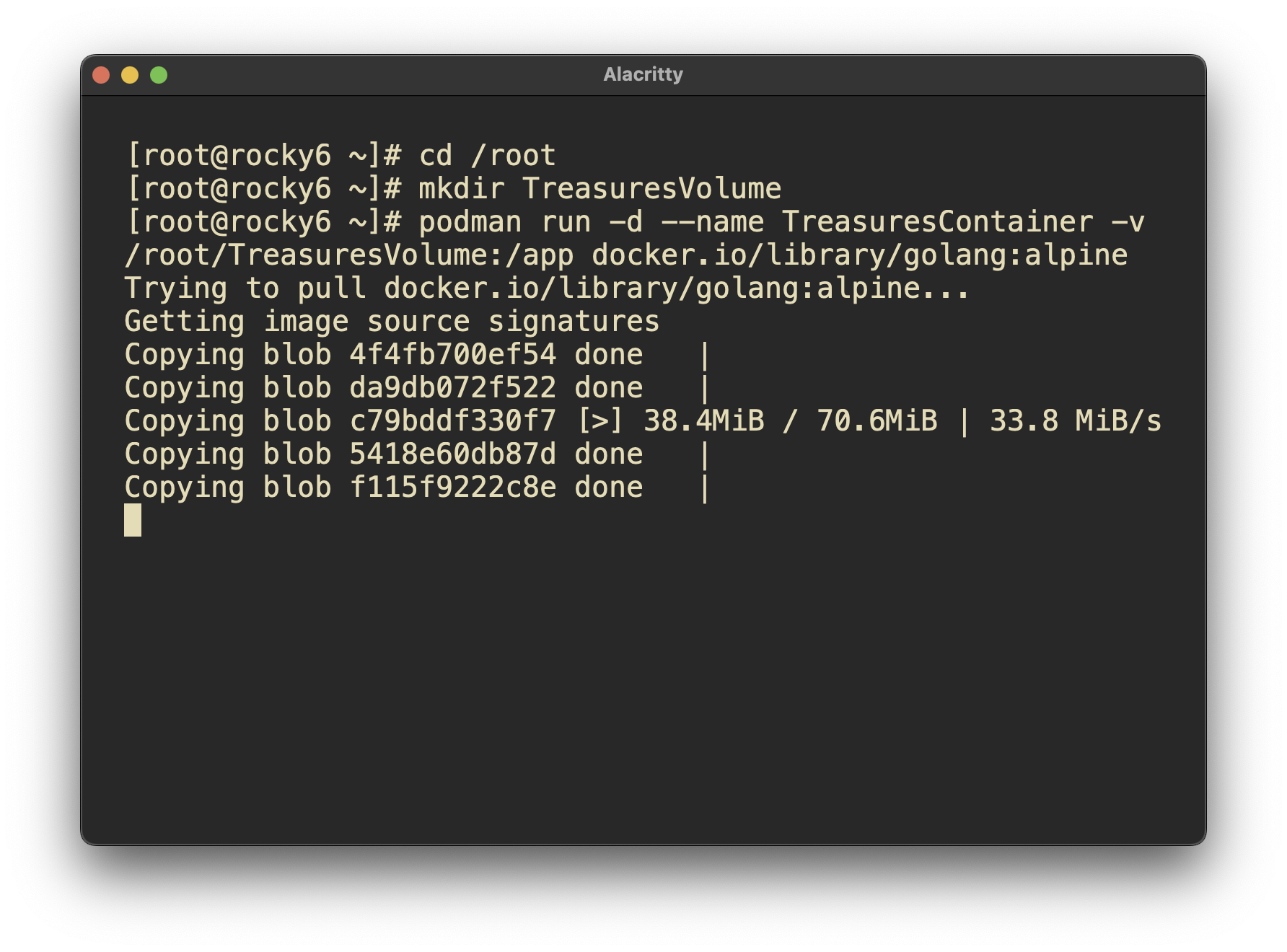
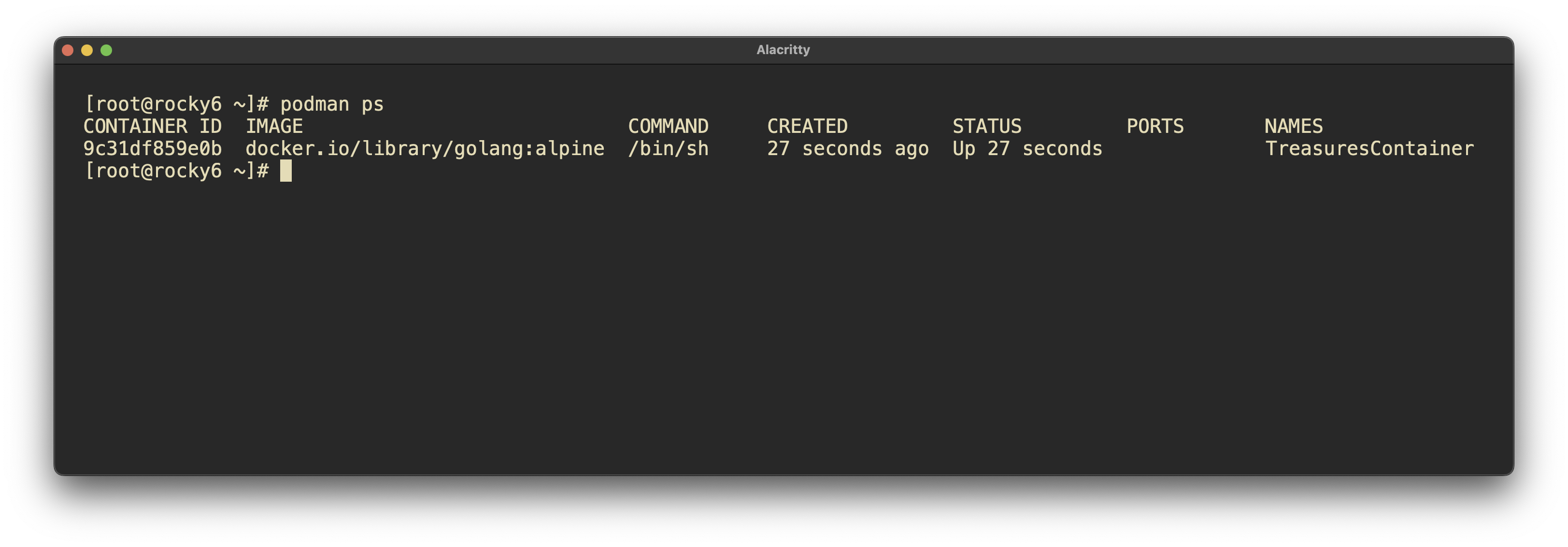
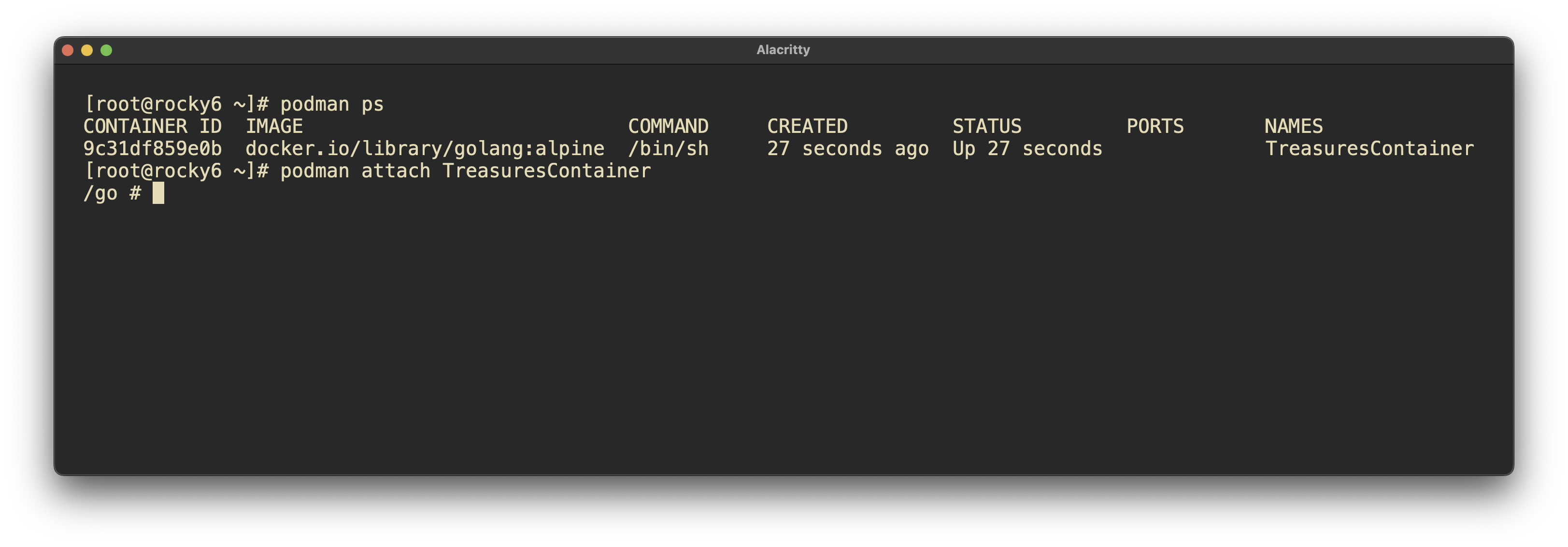
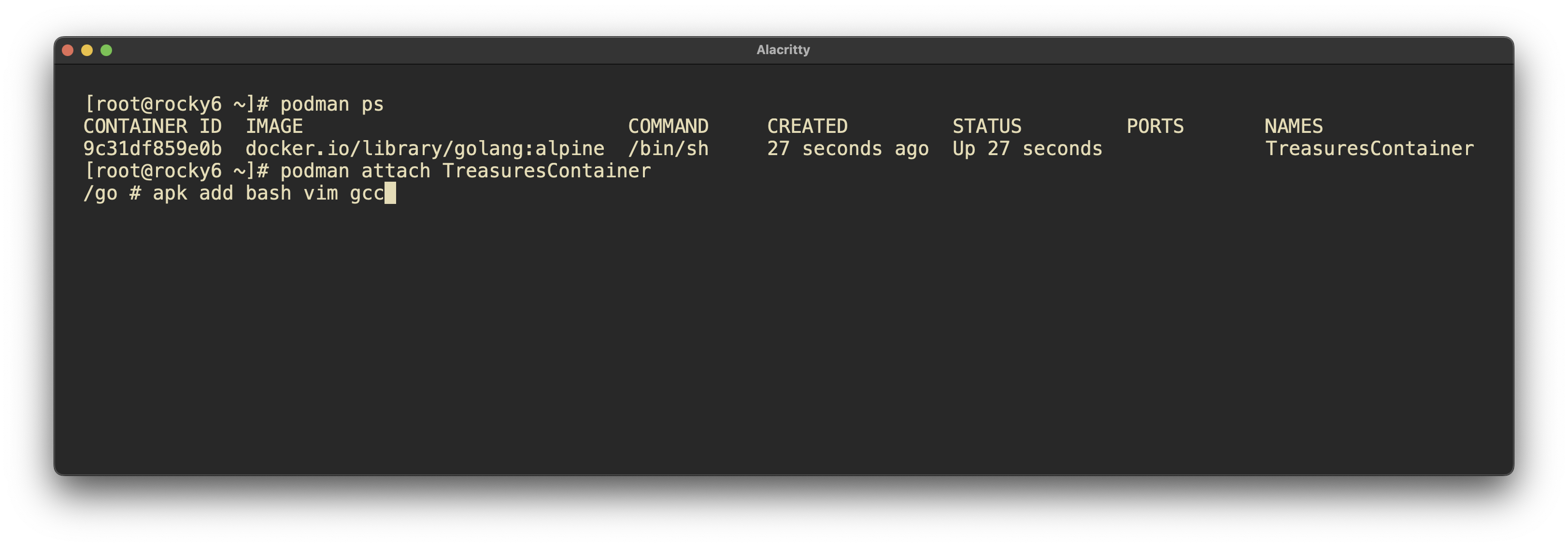
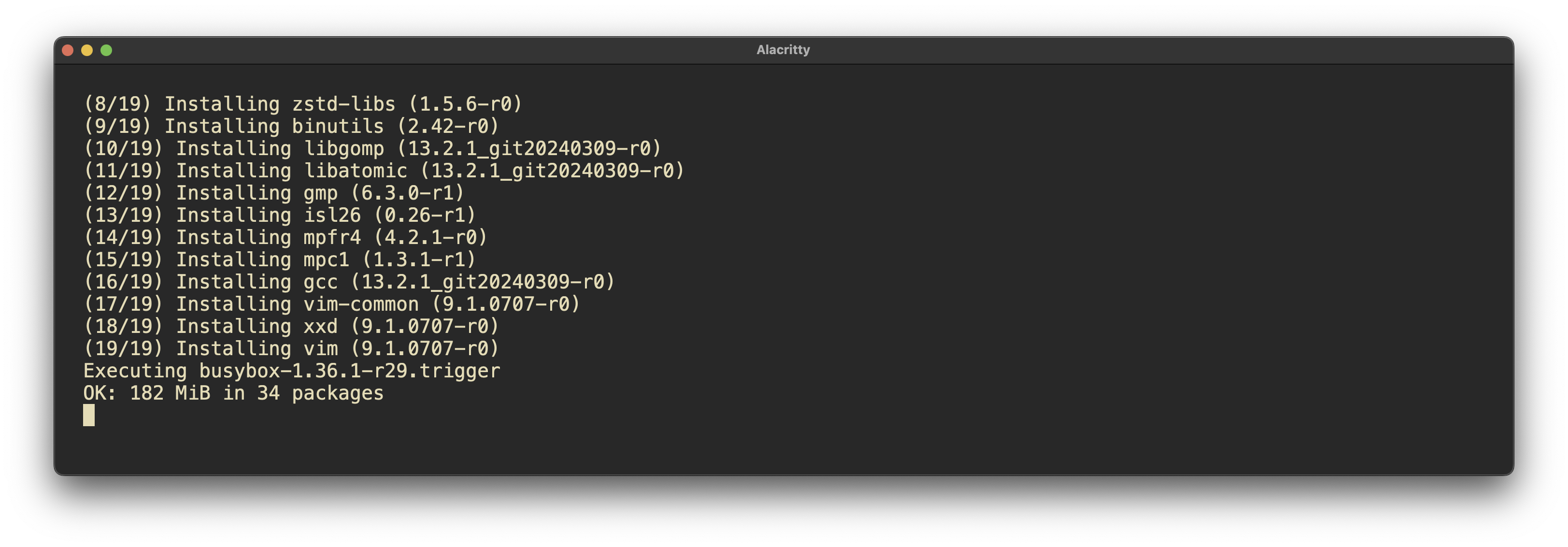
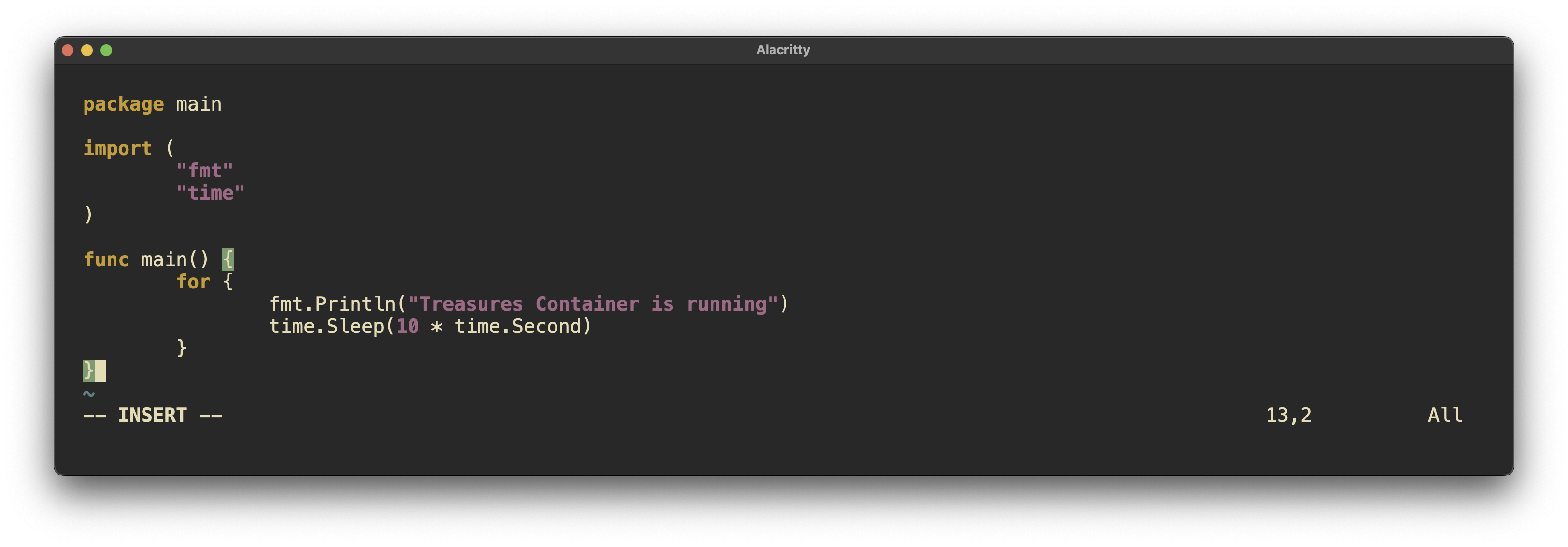
Screen shots from this deployment
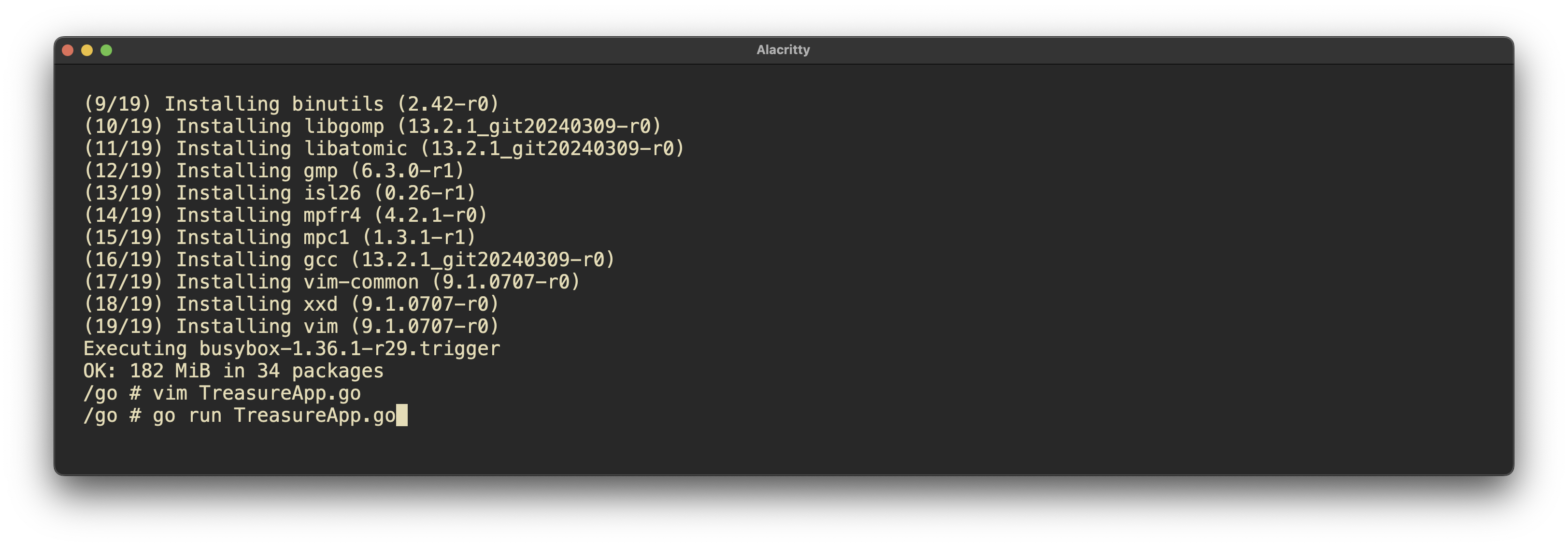
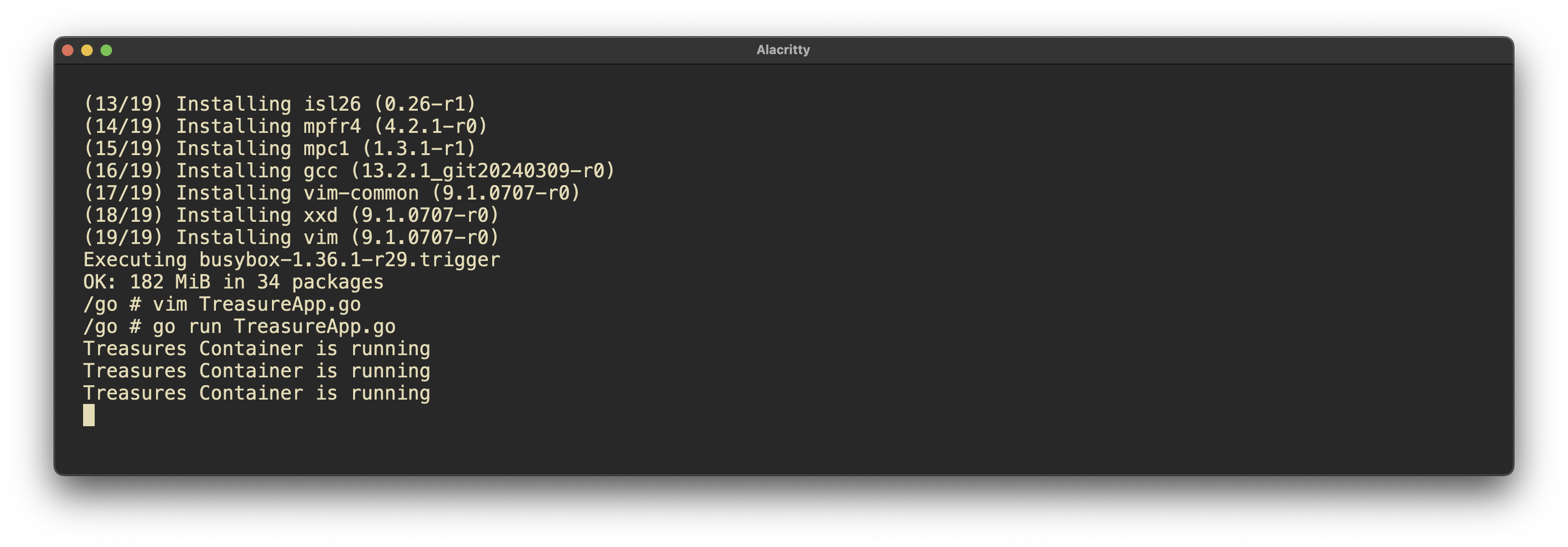
What worked well?
creating a persistent volume and attaching to the volume worked well. mkdir /root/TreasuresVolume Pulling and building an image worked well. Attaching to the container and interacting with it went well. podman run -dit –name TreasuresContainer -v /root/TreasuresVolume:/app docker.io/library/golang:alpine tail -f /dev/null apk add vim gcc bash
What did you have to troubleshoot?
I ran into trouble when exiting the container. It will kill the container, forcing me to start it again, which was frustrating. Having done this in the past, I thought this would not be an issue. However, I just learned that containers without continually running services will die when exited. The fix for such an issue is to run something light and persistent on the container in order to keep it alive. This can be accomplished with a bash script or turning a go binary into a system binary to keep running.
What documentation can you make to be able to do this faster next time?
Actually, this blog is used to partially keep track of this. I use LogSeq as a second brain, where I will definitely copy and paste this info into my Podman section.
Reflection Questions🤔
1. What questions do you still have about this week?
I would like to know more about small scale deployments of Kubernetes such as the one I deployed using Rancher and K3S. More specifically I would like to know what limitations a small scale deployment has versus a multi machine / multi node system.
2. How can you apply this now in your current role in IT? If you’re not in IT, how can you look to put something like this into your resume or portfolio?
This content is highly applicable to my intended work as deploying services is becoming increasingly important, as evidenced by the requirement for knowledge of Podman in the RHCSA 9. I already have some container deployment work to display to prospective employers atm. I plan to further my knowledge in this area, especially in regard to Kubernetes as this seems to be the operating system of the internet.
ProLUG Links ⛓️
Discord: https://discord.com/invite/m6VPPD9usw Youtube: https://www.youtube.com/@het_tanis8213 Twitch: https://www.twitch.tv/het_tanis ProLUG Book: https://leanpub.com/theprolugbigbookoflabs KillerCoda: https://killercoda.com/het-tanis